OmniDub: AI Subtitle Dubbing
Hỗ trợ xem phim thuyết minh hoàn toàn miễn phí cho bất kỳ website nào có soft subtite ví dụ: Netflix, Youtube, ...
About
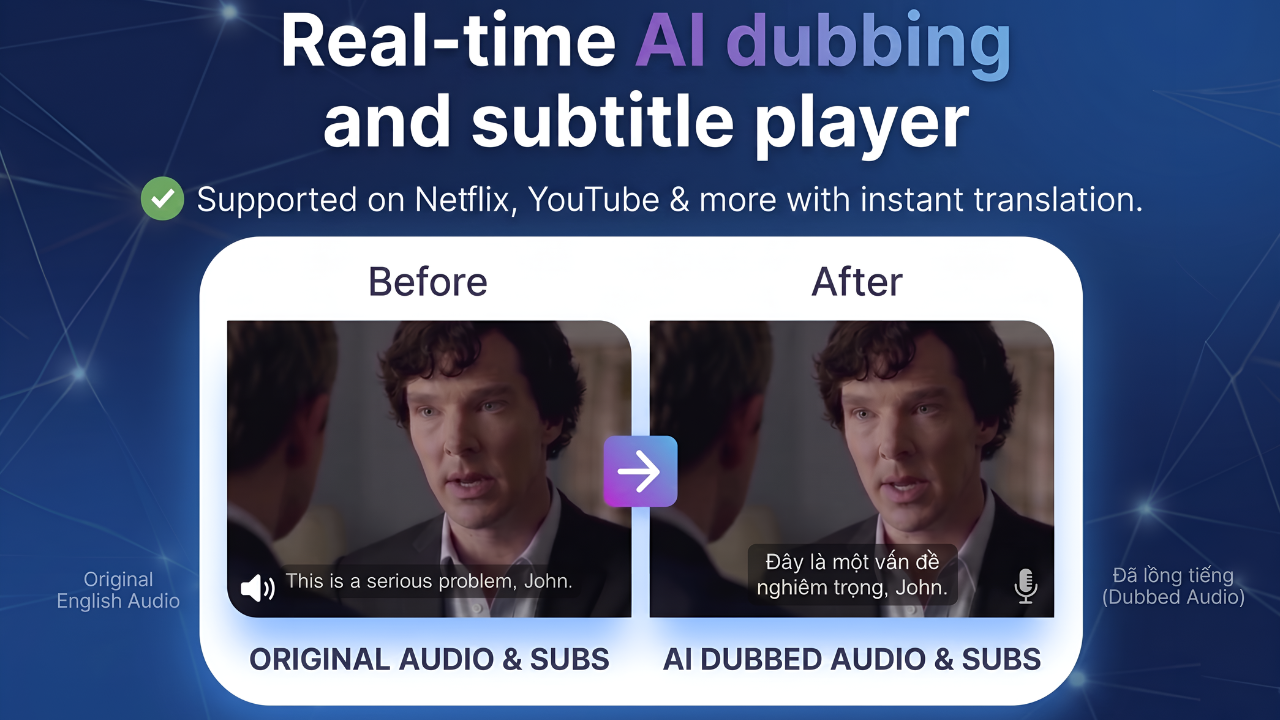
OmniDub: AI Subtitle Dubbing & Real-Time Video Translator
OmniDub is an all-in-one browser extension designed to break language barriers in online video content.
🚀 Update Notes / What's New:
Floating Action Button: A new floating button allows you to quickly trigger the "Optimize & Translate" (Opt & Trans) feature.
Subtitle Content Preview: Added a new feature to preview subtitle text.
Auto-Save Activated Sites: Your active site preferences are now saved automatically for a smoother experience.
Enhanced Subtitle Support: Improved detection to catch and process more types of subtitles.
Expanded Compatibility: Added support for a wider range of websites.
Auto-Resume Playback: The video will now automatically resume playing after a pause.
🌟 Why Choose OmniDub?
Instead of struggling to keep up with fast-moving subtitles, OmniDub allows you to listen to content through state-of-the-art Text-to-Speech (TTS) technology and follow translations optimized for context.
🚀 Core Features
1. Intelligent Subtitle Detection
Multi-Platform Support: Seamlessly compatible with YouTube, Netflix, Ok.ru, Naver TV, Nebula, and many other streaming and learning platforms.
Advanced Technical Handling: Automatically detects complex subtitle formats, including Blob URLs and Stream URLs, VTT, SRT, ...
Shadow DOM Support: Capable of deep-diving into complex web structures to extract subtitle data that standard extensions cannot reach.
2. Real-Time Dubbing (TTS)
Automated Subtitle Reading: Uses high-quality Text-to-Speech (TTS) to read subtitles aloud in real-time.
Perfect Synchronization: The AI voice-over is precisely synced with the playback progress of the HTML5 video player.
Smart Playback Control: Features intelligent algorithms to prevent duplicate reading or timing errors during seeking (forward/backward jumps).
3. Powerful Translation Engine
Instant Translation: Integrates translation APIs (such as Google Translate) to convert subtitles into your target language on the fly.
External File Support: Allows users to upload their own subtitle files (SRT/VTT) or input text manually for instant translation and dubbing.
4. Flexible UI & Customization
Multilingual Interface: User-friendly interface available in English and more language.
Granular Settings: Customize your experience by managing auto-activation whitelists, choosing different voices, or adjusting reading speed.
🛠 Technical Specifications
Manifest V3: Built on the latest Google Chrome standards for high performance, enhanced security, and long-term support.
Modular Architecture: Platform-specific scripts (Netflix, YouTube, Bilibili, iQiyi, etc.) ensure optimized resource usage and stability.
Offscreen Document API: Utilizes background processing for media and TTS tasks to ensure a smooth, lag-free browsing experience.
📖 Quick Start Guide
Install the OmniDub extension from the sto